Groups, collections, and favorites
Build smart groups that expand automatically, curate photo and video collections, and keep favorites close.
Alex Visheratin · Updated:
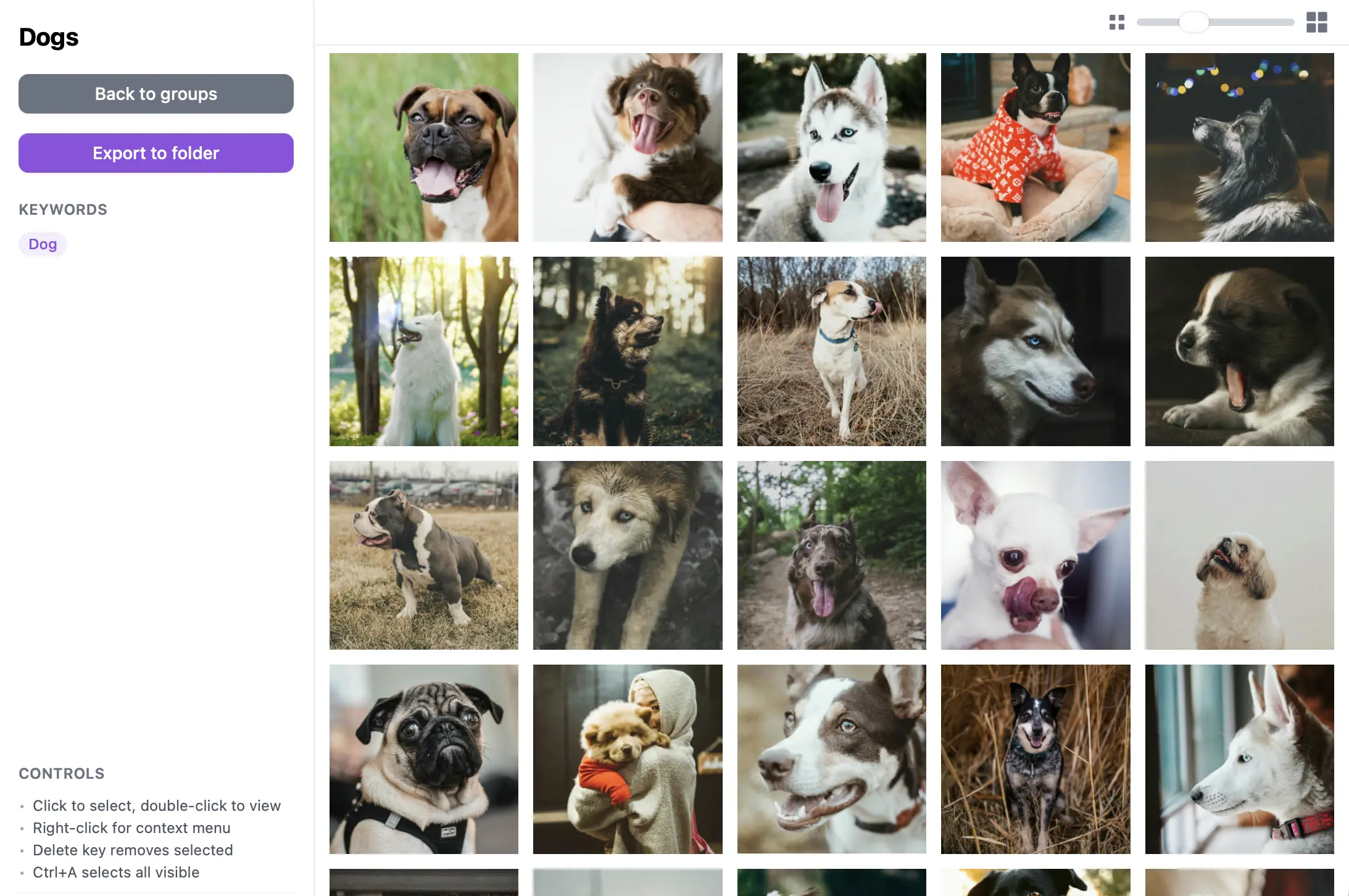
Try this workflow
Create a smart group in a folder to automatically fill it with matching media. Use a collection for an explicit selection, such as a trip or project, and favorites for individual keepers. Assistants use the same organization rules.
What to expect
Collections and groups stay within their OwAI folder. Remote edits need the owning app online; wait for command completion before assuming membership changed.
Frequently Asked Questions
Is OwAI free?
Yes. Local browsing, organization, local AI models, people, collections, groups, and duplicate management are free and do not require an account.
Can an agent delete my files?
Yes, but an agent must first preview the exact files and get your approval before applying the deletion plan. Local-folder files remain in OwAI recovery for 30 days before permanent cleanup, and remote local-folder changes wait for the owning app to complete them. Apple Photos uses Recently Deleted. OneDrive uses Microsoft’s recycle bin. Removing a source never deletes its original files.